A clinician can add a custom reminder to a client's appointments. For example, if the clinician loaned a book or DVD to a client, they would want to have some record of that and get reminded whenever the client is scheduled.
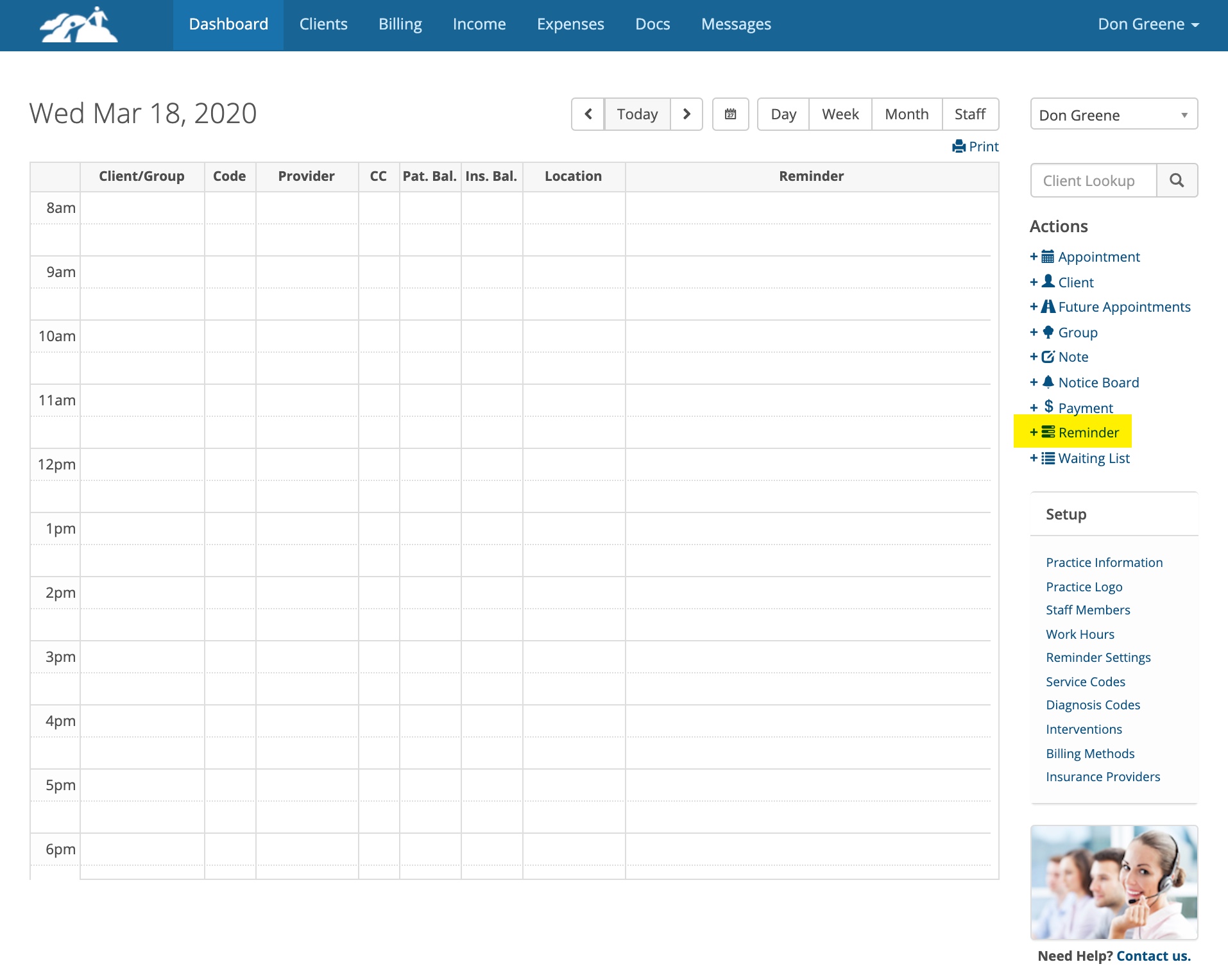
On the Dashboard, click on +Reminder under the Actions menu.
Next fill out the window as shown below:
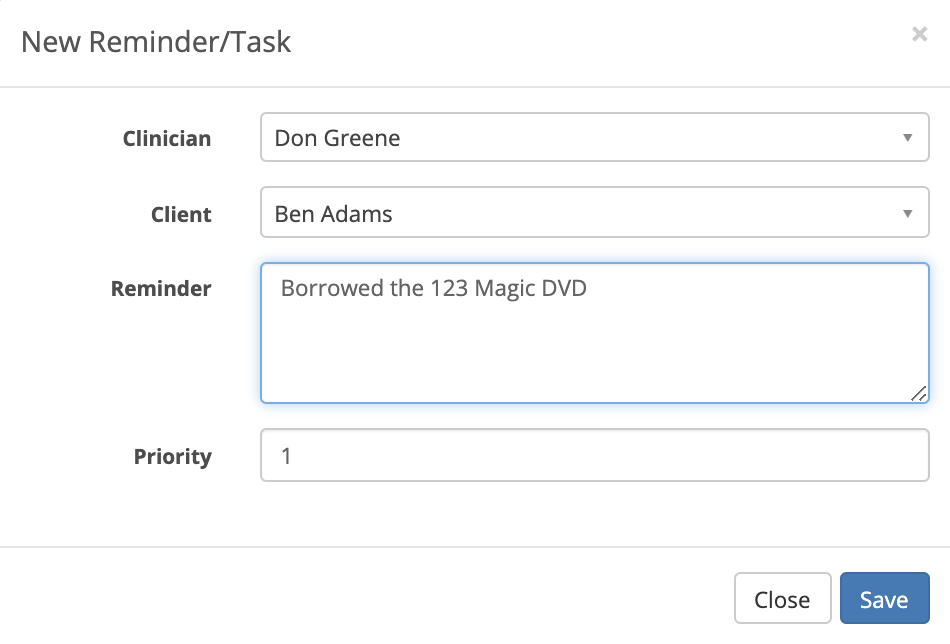
Click Save when done.
When you schedule the next appointment for the client, the reminder will appear in the Reminder column for that appointment. See the example below:
When you schedule the next appointment for the client, the reminder will appear in the Reminder column for that appointment. See the example below:
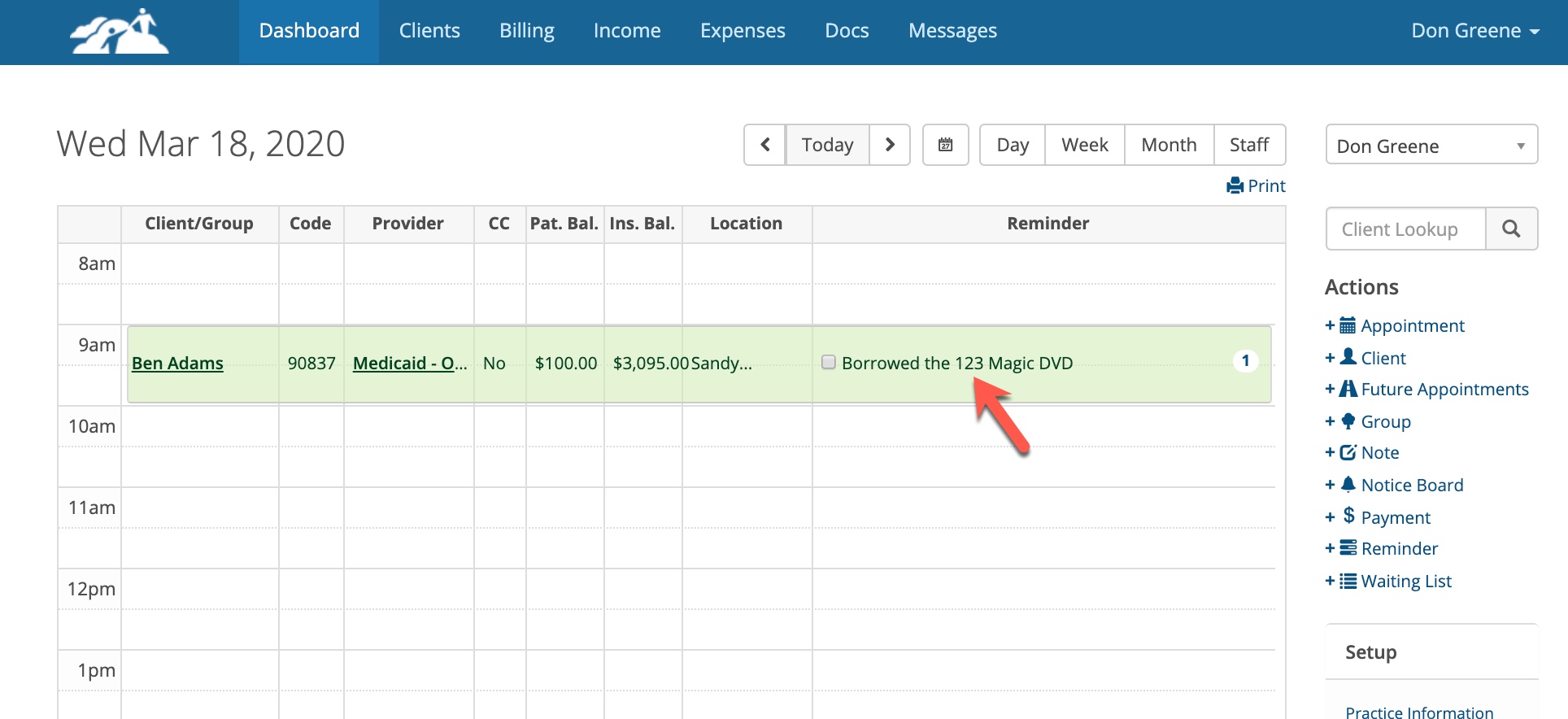
The reminder will show on every appointment you schedule until the item is returned. To dismiss or remove the reminder, click on the check box next to it.