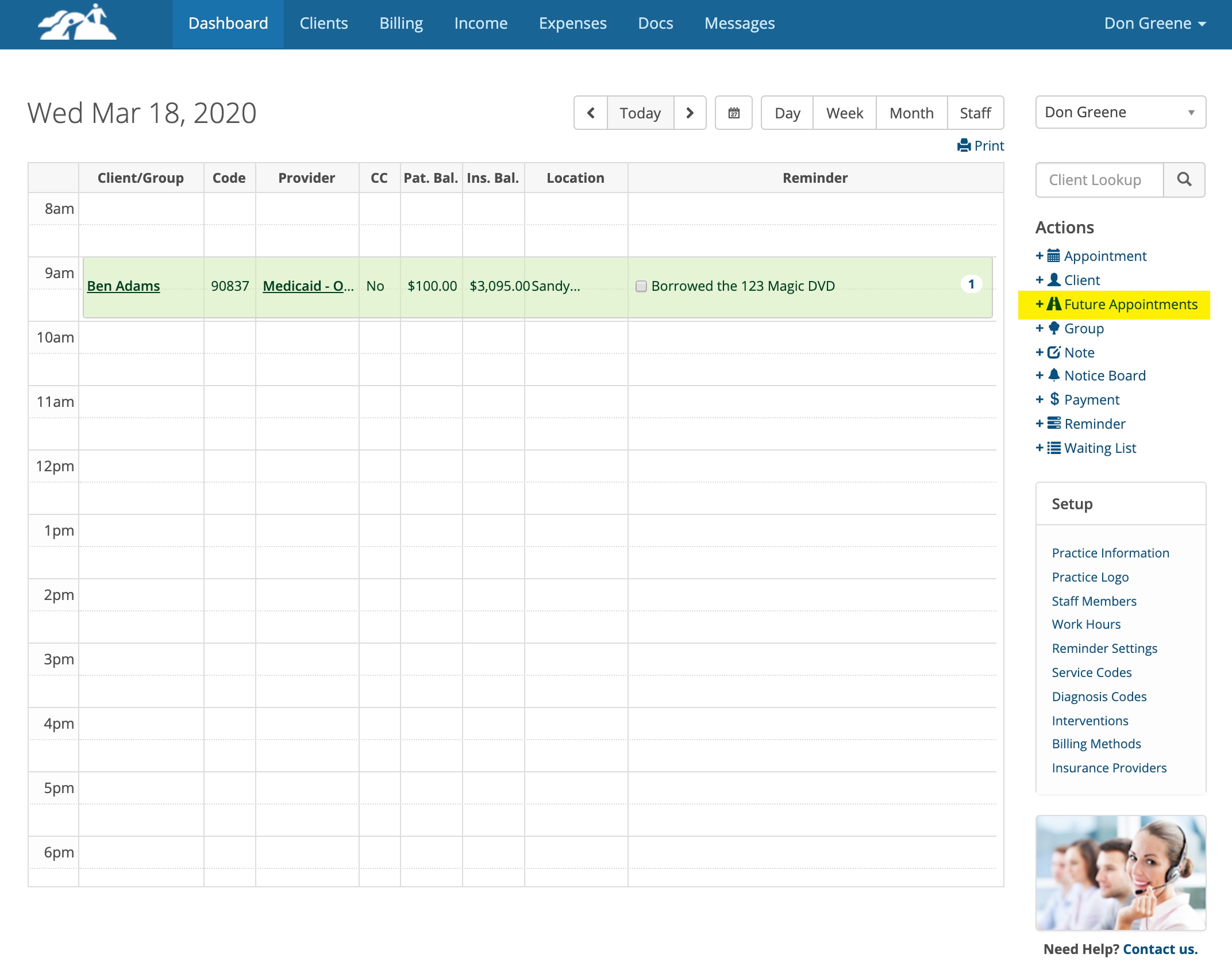
You can view all of a client’s future appointments by clicking on +Future Appointments on the Dashboard under the Actions menu.
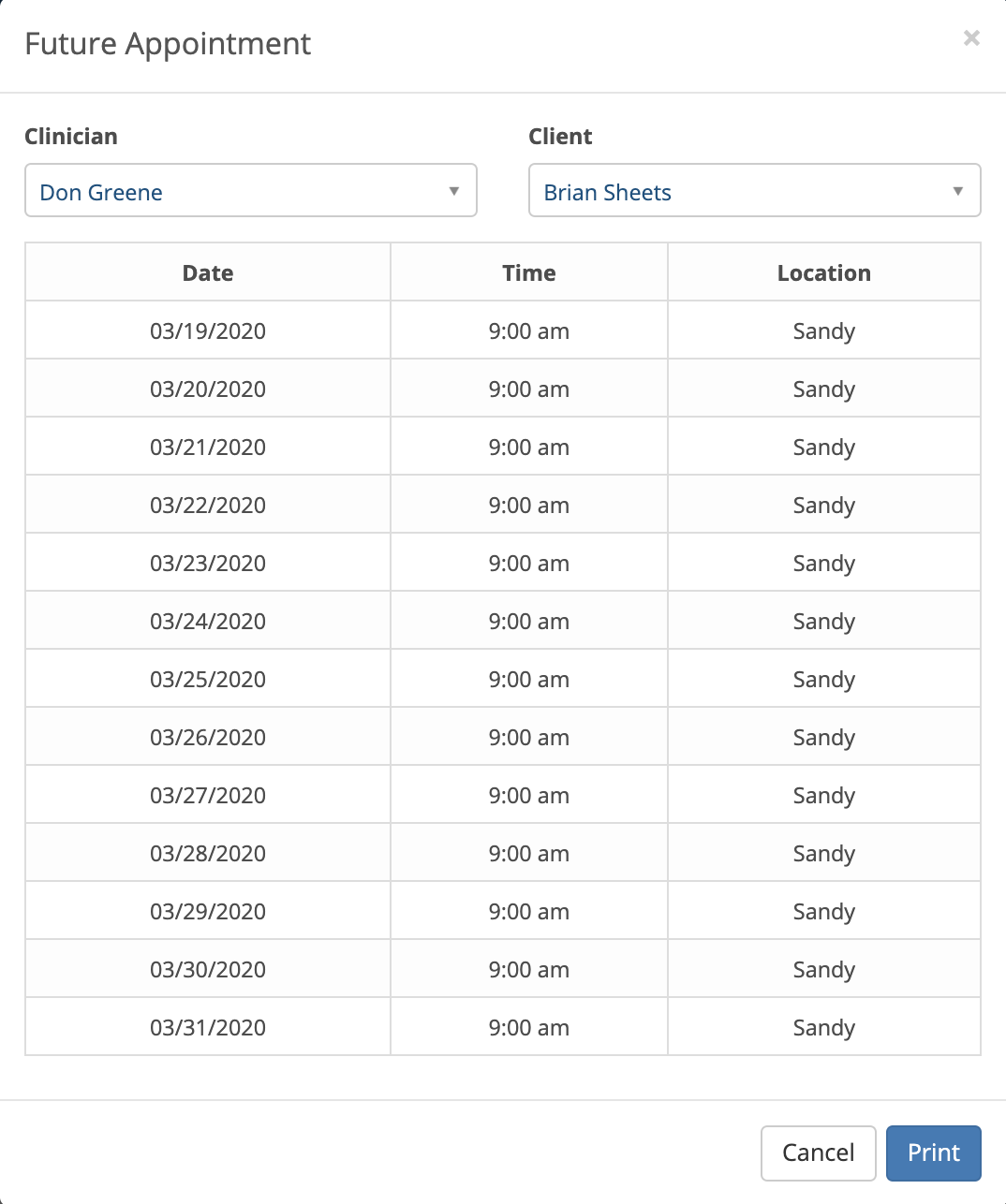
Select a client from the drop down in the window below and their future appointments will be displayed.
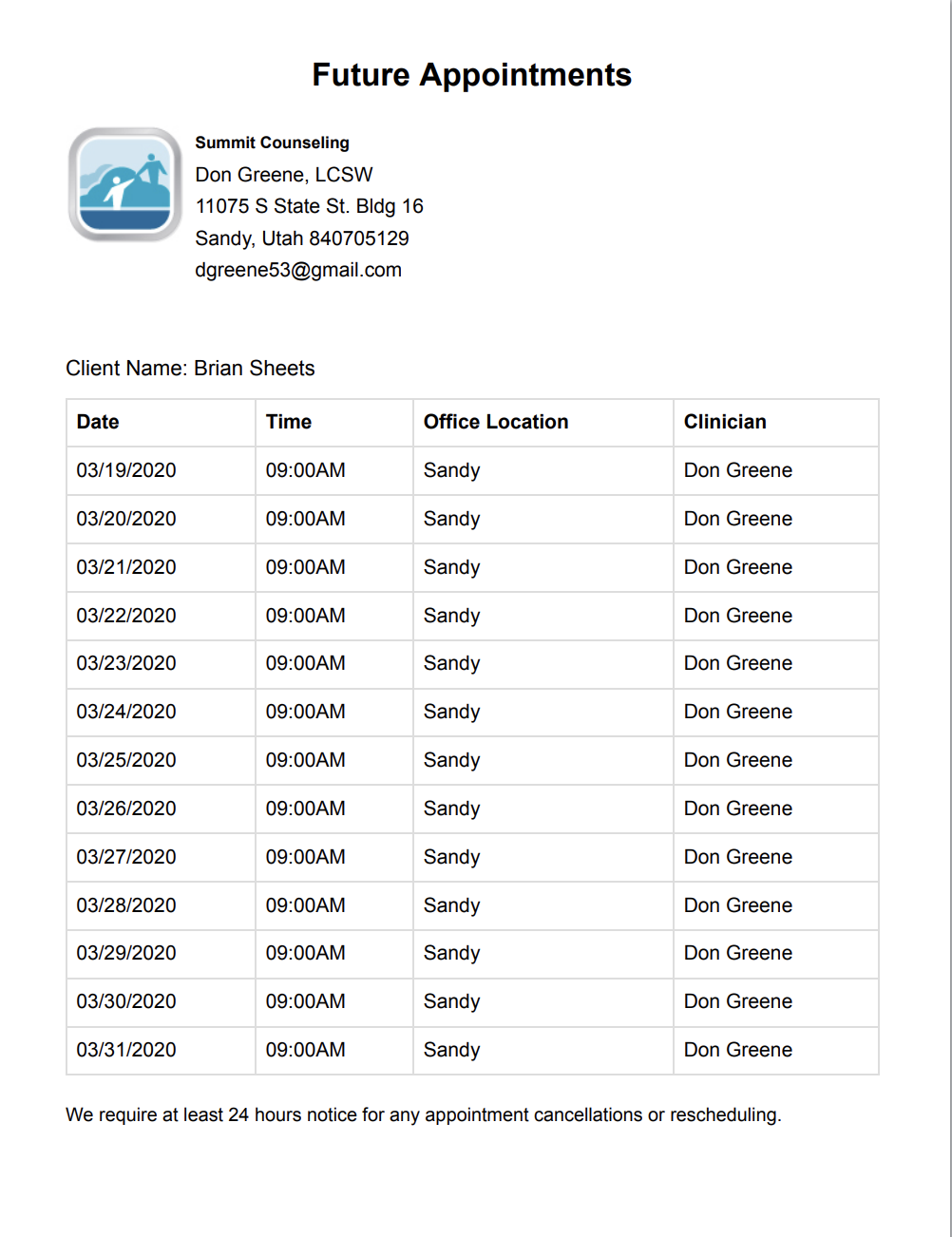
If you want to print a copy for the client, click the Print button. Here is an example of a printed copy that you can hand to the Patient.
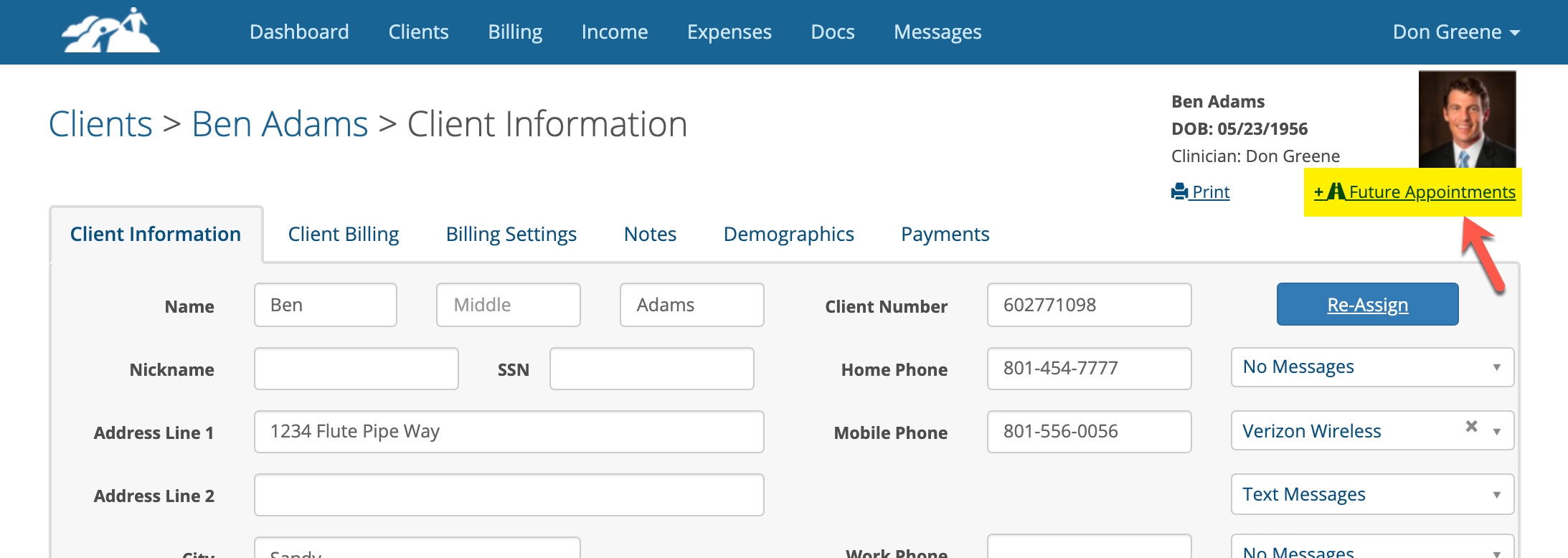
You can also get a list of future appointments from the client's chart.