The service codes are used when scheduling appointments and for billing purposes.
Each clinician has a settings page where they can edit or add codes. To do this, click on your name in the upper right corner and choose Settings from the drop down. Scroll down your settings page to find the link to Service Codes.

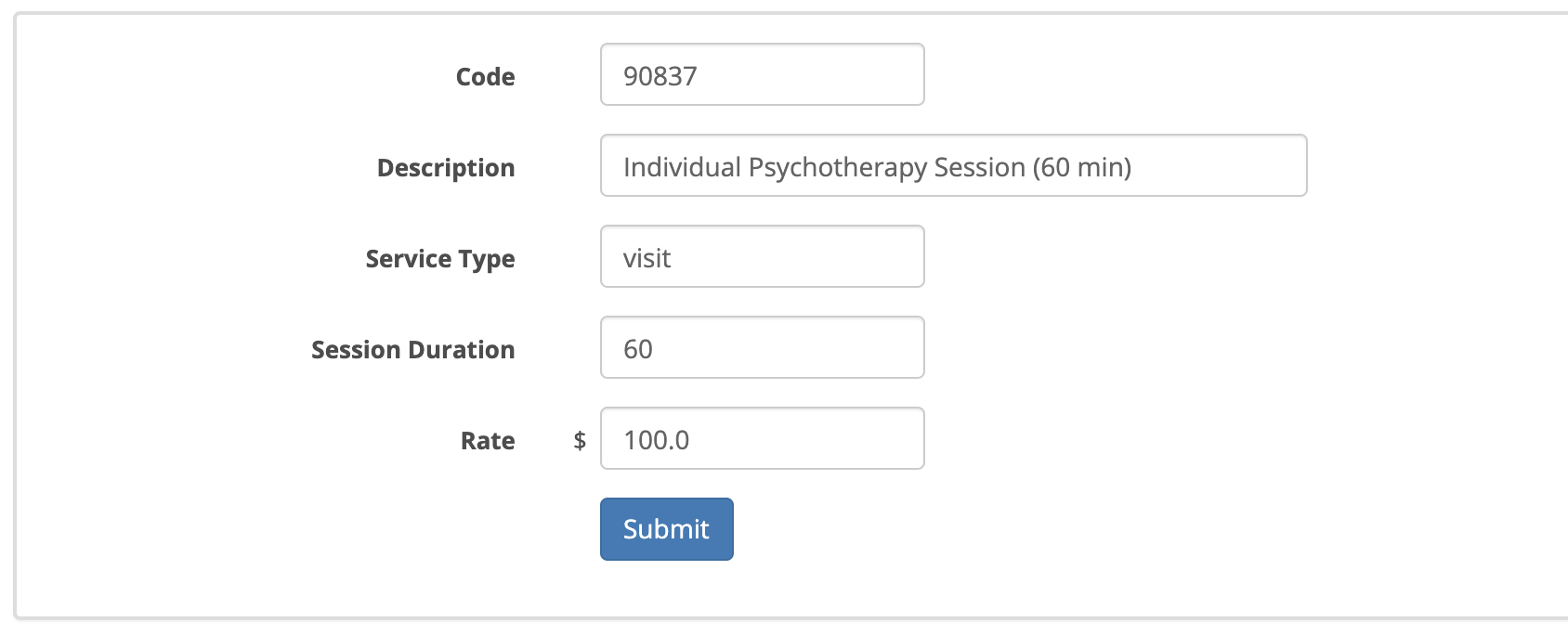
You can add to this list if you want by clicking on + Add Service Code on the upper right-hand corner. Tye pe the code number and a description. The service type box is optional. Put the number of minutes for the service in the Session Duration box. Assign a dollar rate and click submit.
You can add to this list if you want by clicking on + Add Service Code on the upper right-hand corner. Tye pe the code number and a description. The service type box is optional. Put the number of minutes for the service in the Session Duration box. Assign a dollar rate and click submit.
To edit the existing service codes click on the service code number on the left. Make your changes and click submit.
When you have all of your service codes added, they will appear in the service code drop down on the appointment creation window.