You can send documents and questionnaires to clients to fill out online. For example, you can send a Intake document, Cancellation policy or HIPAA agreement and many more to a client.
When the client completes the documents they get save automatically at the bottom of the client's notes page in an area called Client Documents.
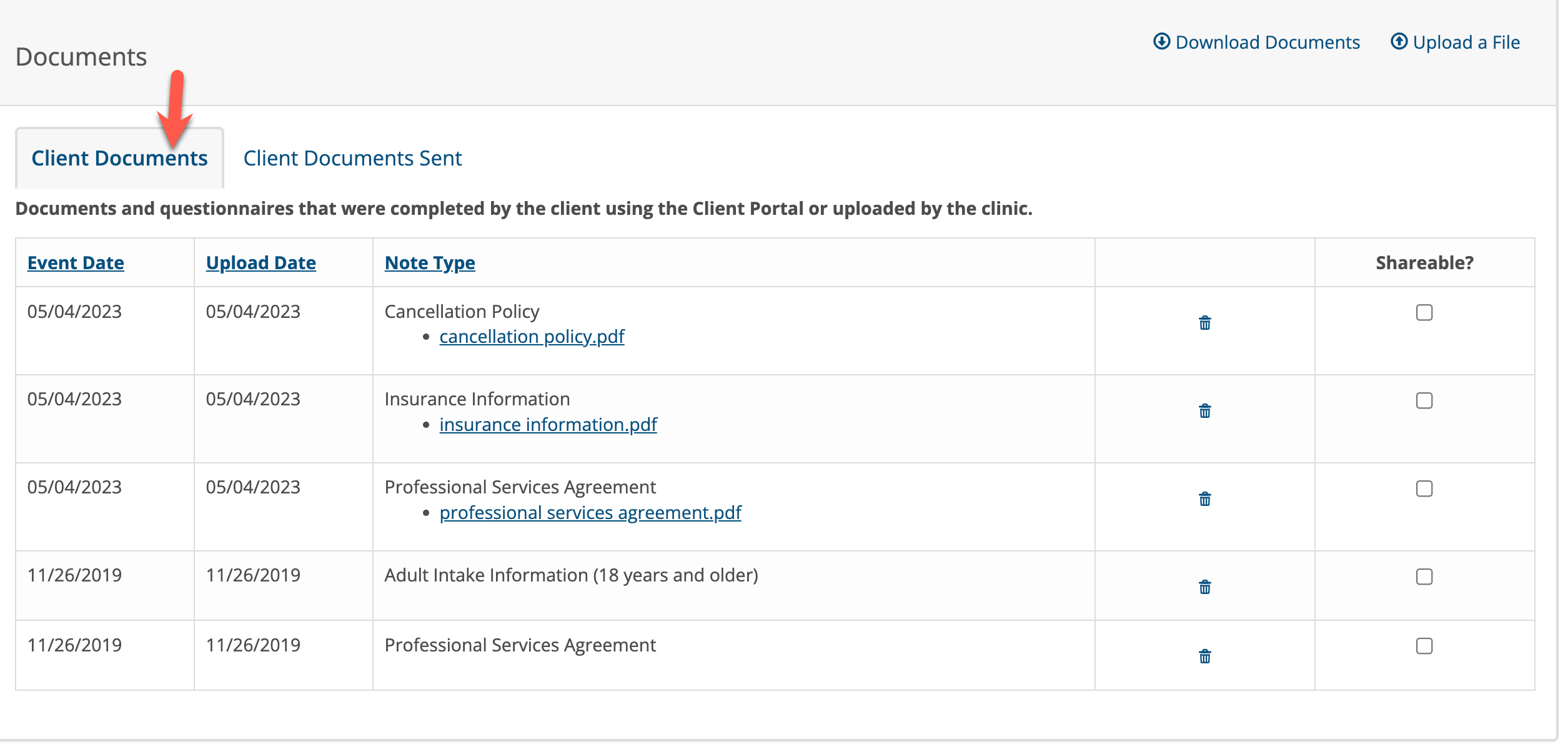
Sometimes is is necessary to look at the list of documents you sent and the status of whether or not the client has completed them all.
To view a list of documents that were sent, click on the Client Documents Sent tab.

In this example the client has one document called "Limits of Confidentiality" to complete.
When a client completes a document it will no longer appear in the Client Documents Sent tab. It will be moved over to the "Client Documents" tab.
If the chart is configured for a Partner, the partner will have their own tabs as shown below.
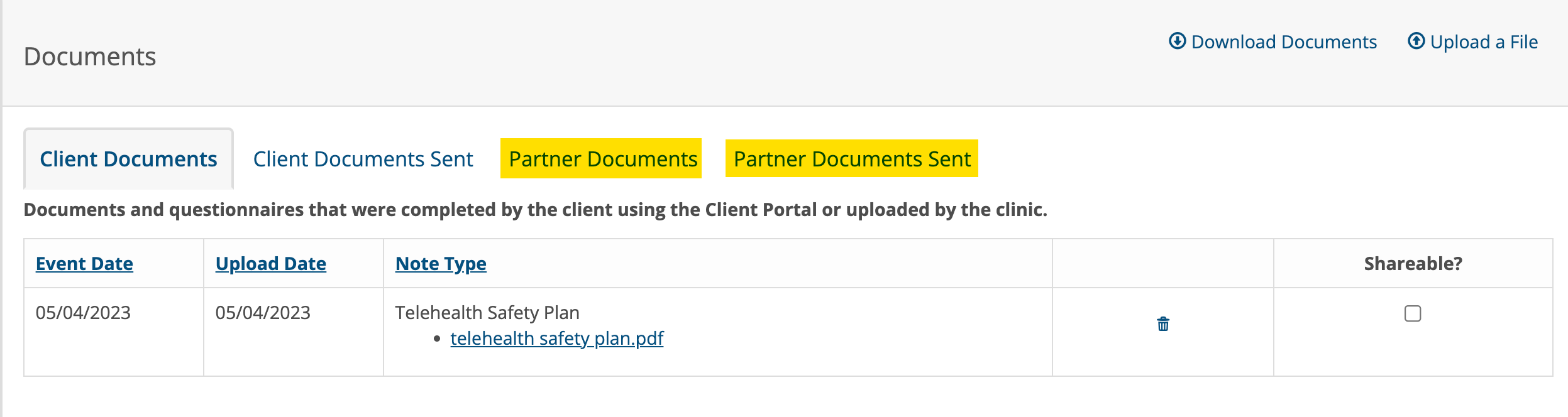
If you sent a client a document by mistake, you can delete it by clicking on the trash can icon to remove it.
Clients Can Save Uncompleted Documents as Drafts
If a client needs more time to complete a document, they can click the Save as Draft button to save what has been done so far and come back later to finish it. See below:
When the document is saved as draft, it will not be submitted to the counselor. The client must come back later to finish and Submit it. Once submitted, the client will not be able to edit the document any further.
If the document is saved as draft is will continue to show under the Client or Partner Documents Sent tabs until completed. Then it will move over to the Client and Partner Documents tabs automatically.