It is possible to create a note using a Custom Note template and include or exclude the diagnosis information.
When you create a note using a Custom Note template a message will appear asking if the diagnosis information should be included.
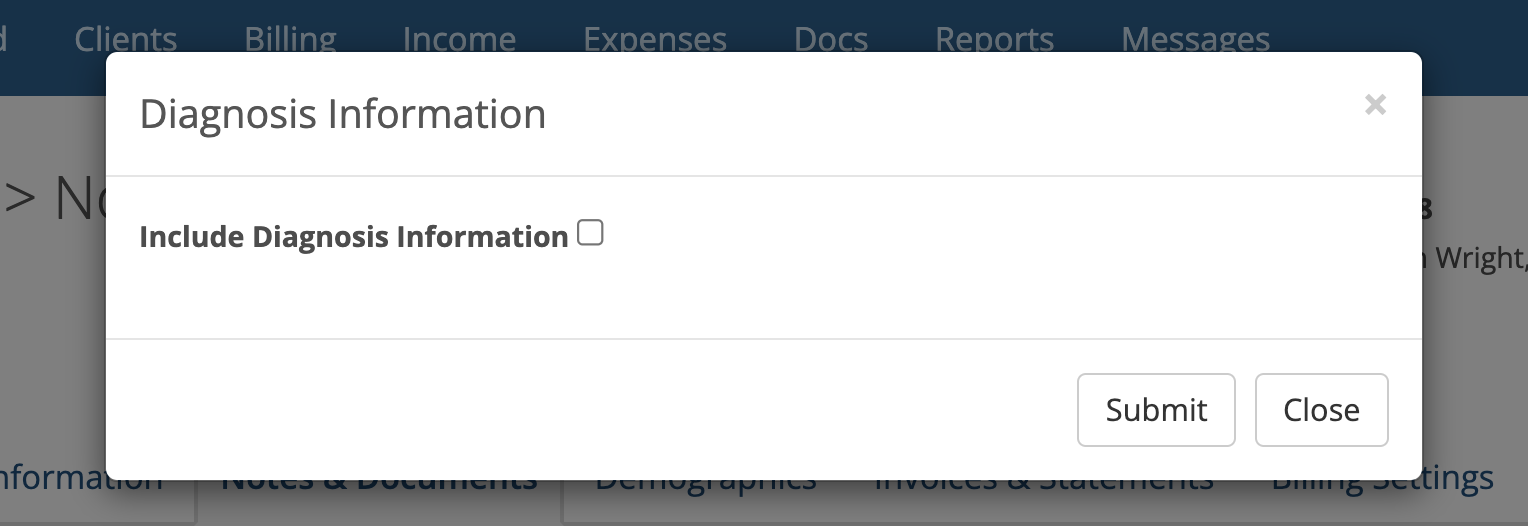
By default the checkbox shown above is unchecked. To include the diagnosis information check the box. Otherwise leave it unchecked.
After making your choice, click the Submit button so you can fill out the note template.
If you later, you want the diagnosis information included a note you've already created, edit the note and check the "Include Diagnosis Information" checkbox near the bottom of the note as show below:
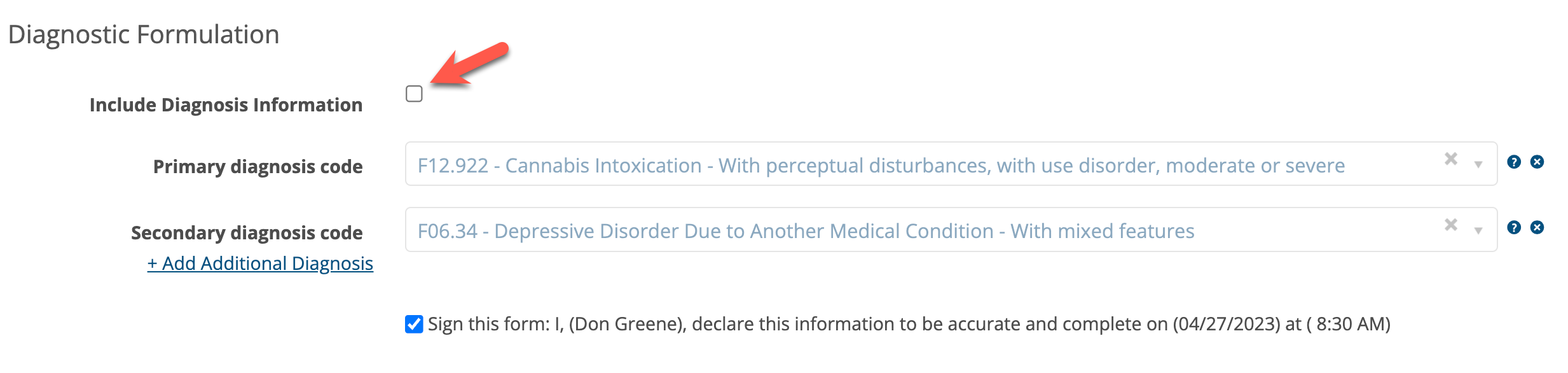
Click the Update button when done.