A user in a Practice can reset their login password in one of two ways. This Help Center Article will describe both methods.
Forgot your password?
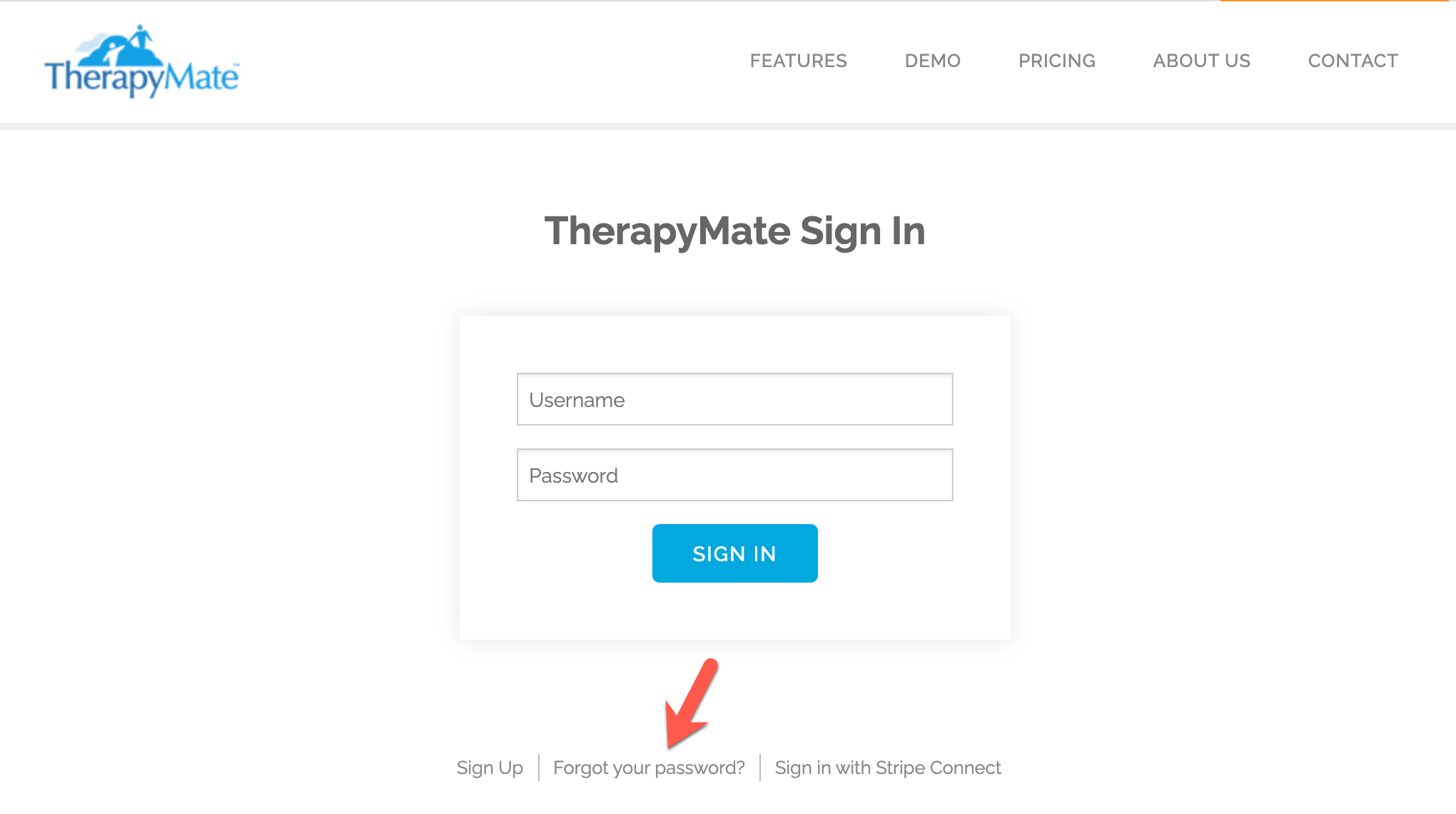
If you have forgotten your password and can't login, go to:
Click on Forgot your password? See below:
Enter your username as shown below. Your username is your email address that we have in our system.

Click the "Send Password Reset Instructions" button. If your email address is valid, you will receive an email so you can reset your password. Login to your email account and look for the email in your inbox or spam folder.
Here is an example of what that email will look like:
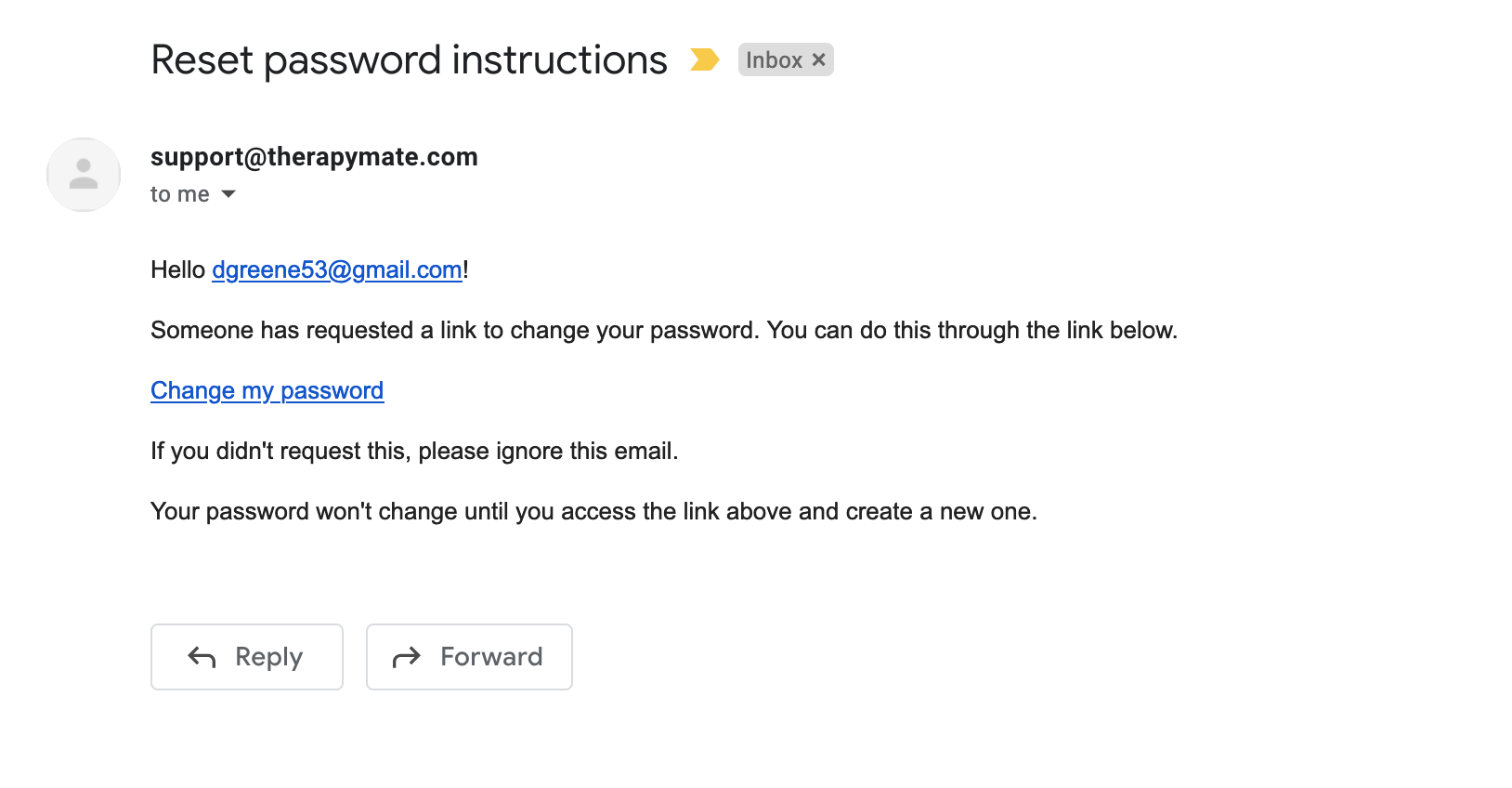
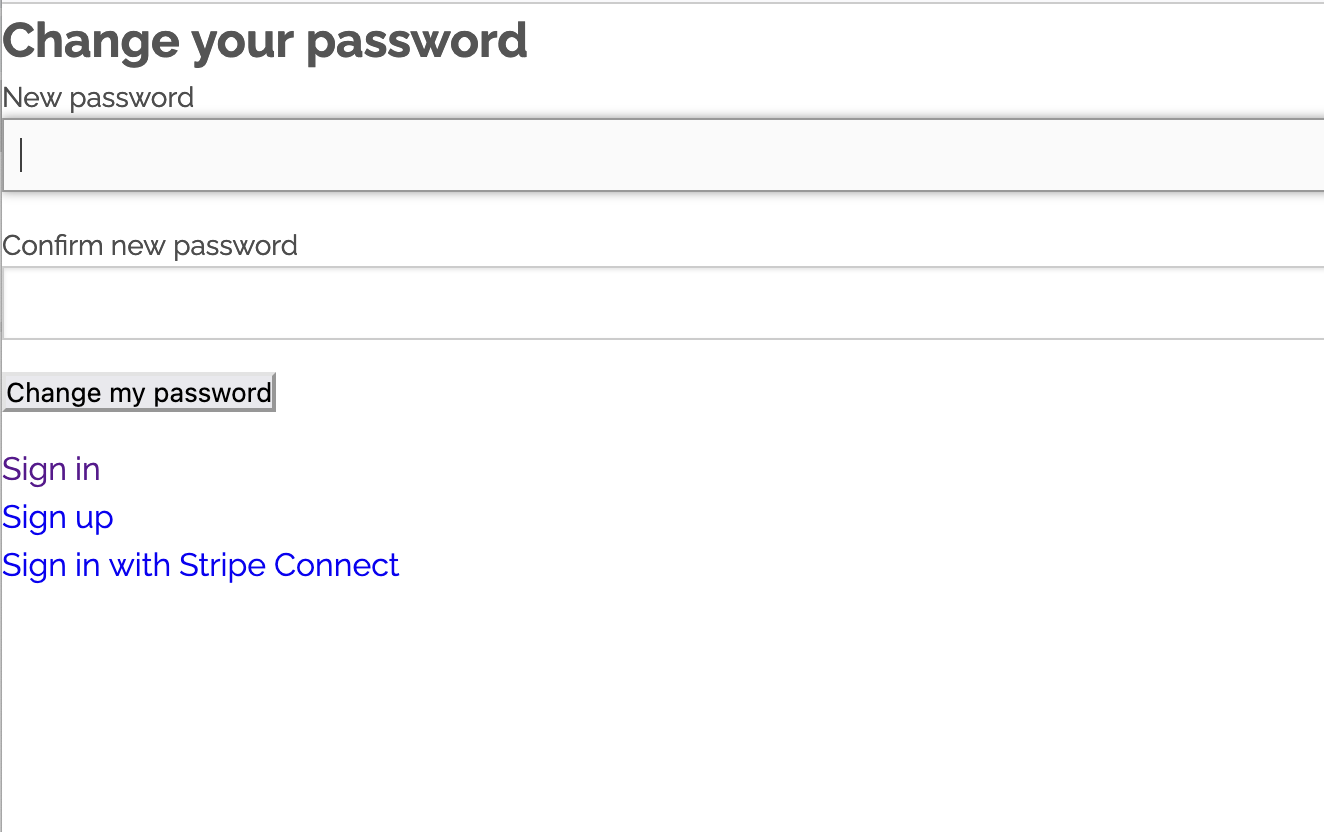
Click on "Change my password". Enter your new password in each box. Click the "Change my password" button when done.
You are now logged in again. Reset is completed.
Changing Your Password After Logging In
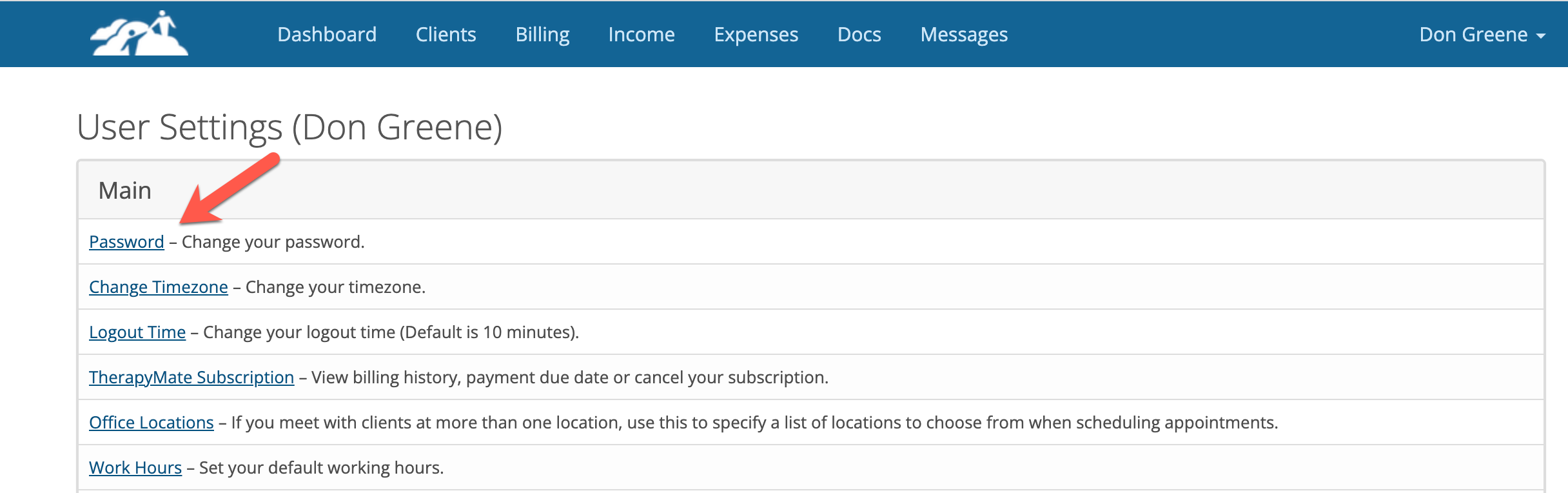
If you know your password and you wish to change it, login to TherapyMate and go to your Settings page by clicking on your name in the upper right corner and choose Settings from the drop down.
On the settings page click on "Password".
Enter your new password twice and your old password.
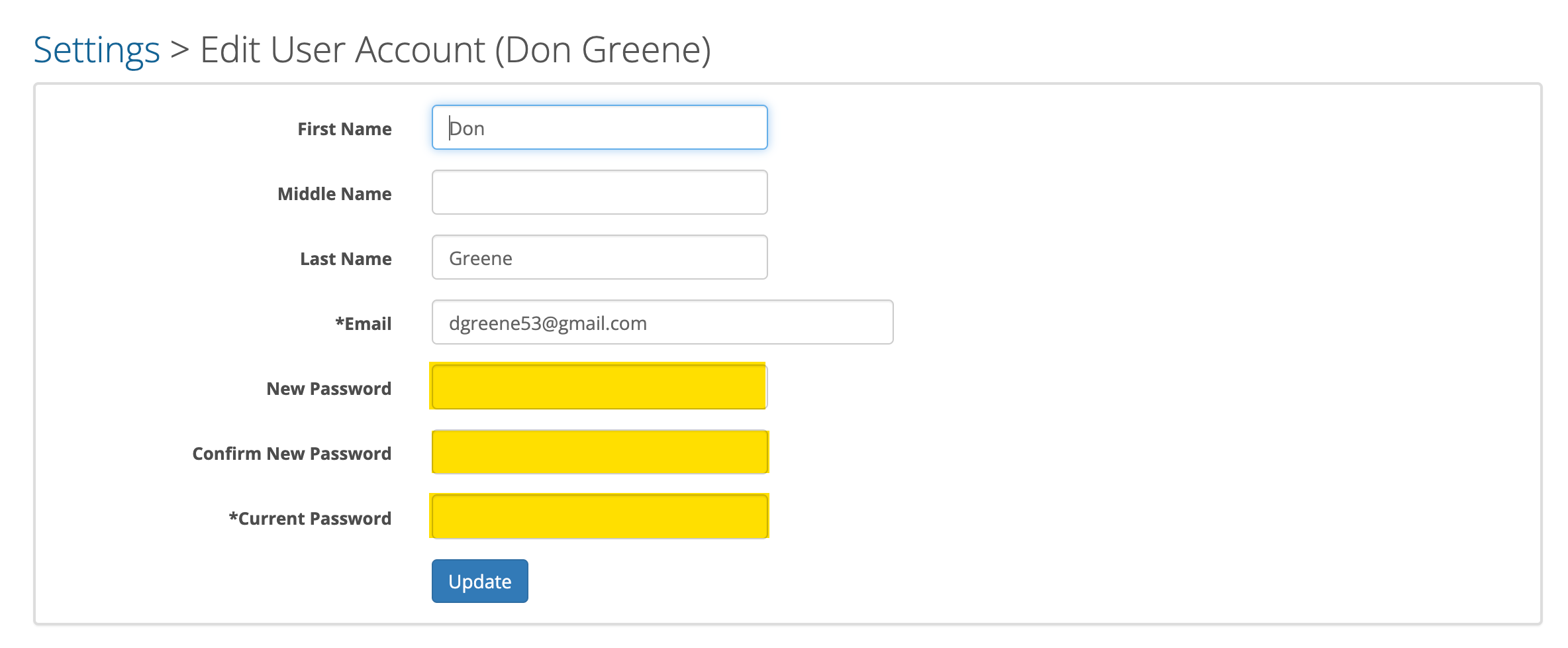
Click the Update button when done. Your password has been changed.
Login Locked
If a staff member makes 5 unsuccessful login attempts, their client portal will become locked for 1 hour. In addition, an email is sent to their email address with a link to unlock their account immediately.