If you want to accept HSA and FSA cards from clients you will need to have your new Stripe account enabled to do that.
To enable your new Stripe account for these cards, send an email to Stripe in the following manner. We highly recommend that you do this.
Login to your Stripe Dashboard by going to www.stripe.com/login
Contacting Stripe
Here is your Stripe Dashboard. Click on the Help icon and select Support Articles from the drop down.
Contacting Stripe
Here is your Stripe Dashboard. Click on the Help icon and select Support Articles from the drop down.
Click on Contact Support
You have 3 options to contact Stripe for help. You need to ask them to enable the MCC Classification to allow your Practice can accept Health Savings and Flex Spending Account credit cards.

If you choose the Send us an email, here is how to fill out the form:
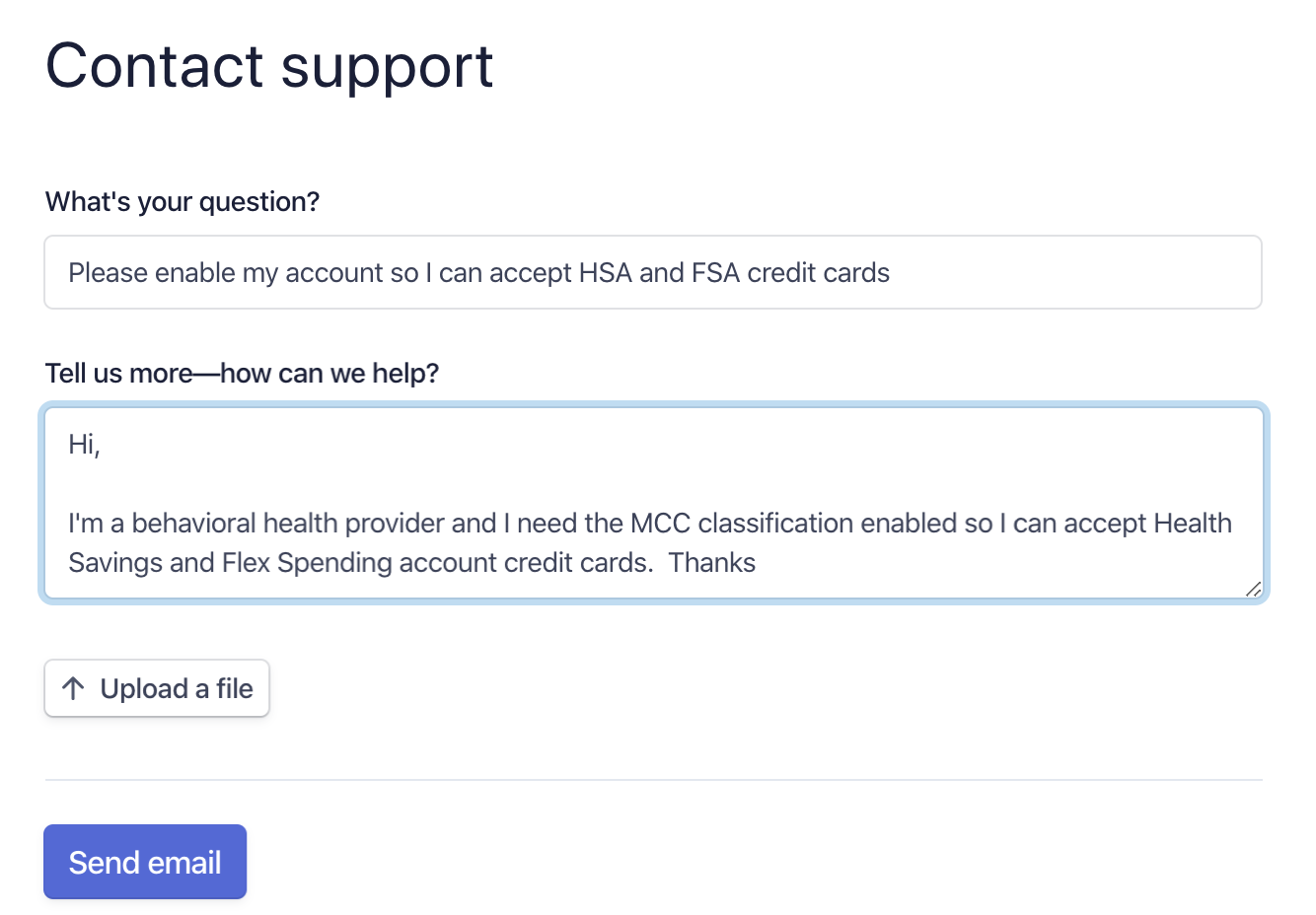
Stripe will enable your account to accept these types of credit cards. You should hear back from them in 24-48 hours when this is completed.
If you wish to try the Chat or Have us call you options that will probably work faster.