If the client wishes to pay you in advance, you can record the payment to create a credit in their chart.
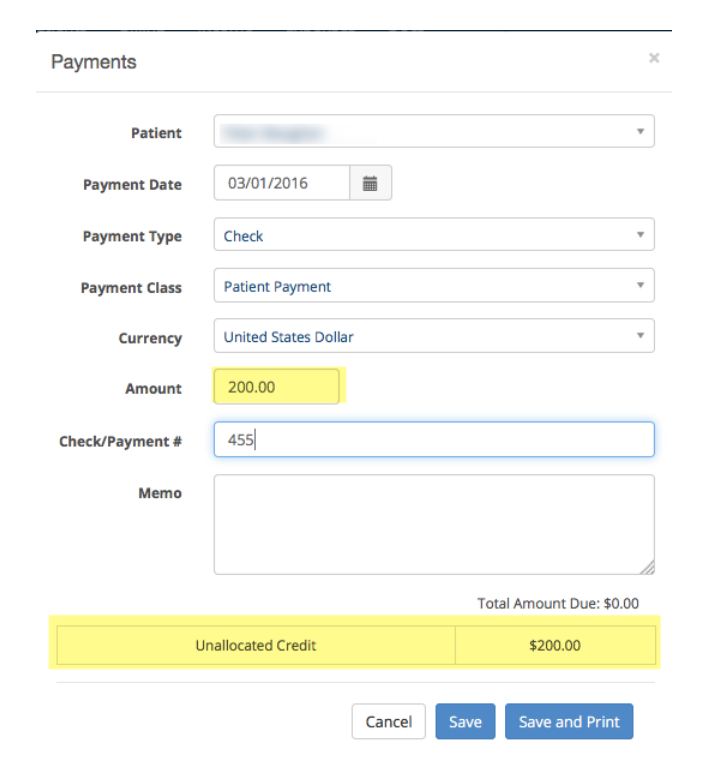
To record the payment and create a credit, open the +Payment window from the Dashboard. Enter the dollar amount and notice that an Unallocated Credit will be created at the bottom of the window.
This only works if the client does NOT have any outstanding invoices.
The next time you see the client, you can use this credit towards future sessions.
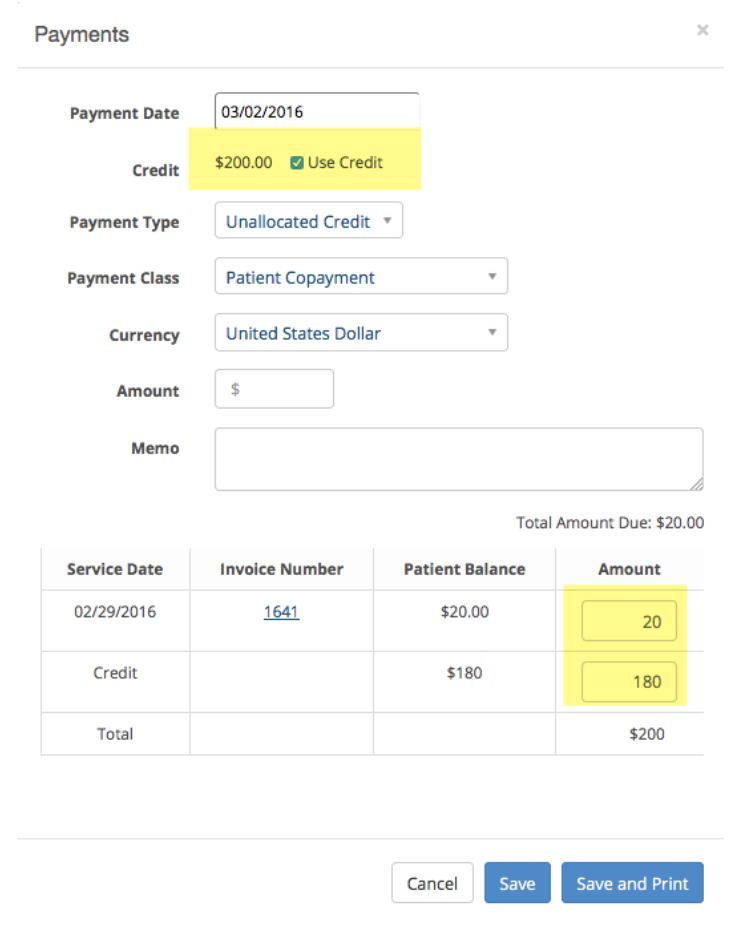
Here is how you would take part of the credit and apply it to a session. Open the +Payment window and click the “Use Credit” box. The amount due will be populated with the correct amount leaving a credit balance of $180.00 in this example. Click Save to record the payment.
Here is how you would take part of the credit and apply it to a session. Open the +Payment window and click the “Use Credit” box. The amount due will be populated with the correct amount leaving a credit balance of $180.00 in this example. Click Save to record the payment.
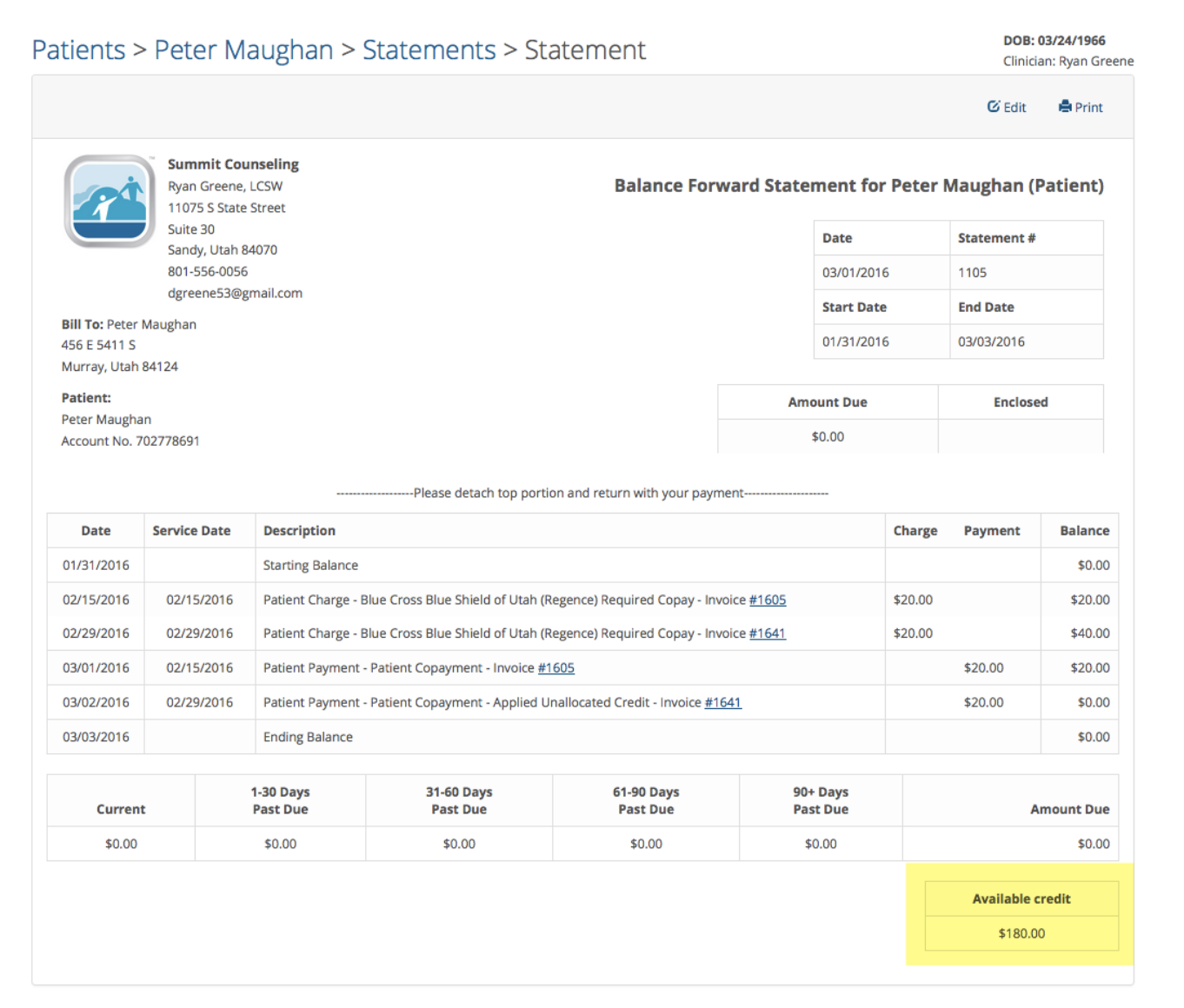
If you created a statement for the client, the credit would appear at the bottom as shown in the following example below: